A glow you can adjust
Slide up to brighten the screen or down to dim it. Your iPhone stays awake while WarmLight is active, and normal brightness control returns when you leave the app.
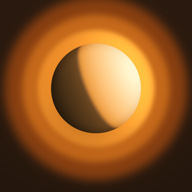 WARM LIGHT
WarmLight turns your iPhone into an adjustable bedside light, with four ambient sounds and a simple sound timer.
iPhone · Apple Watch
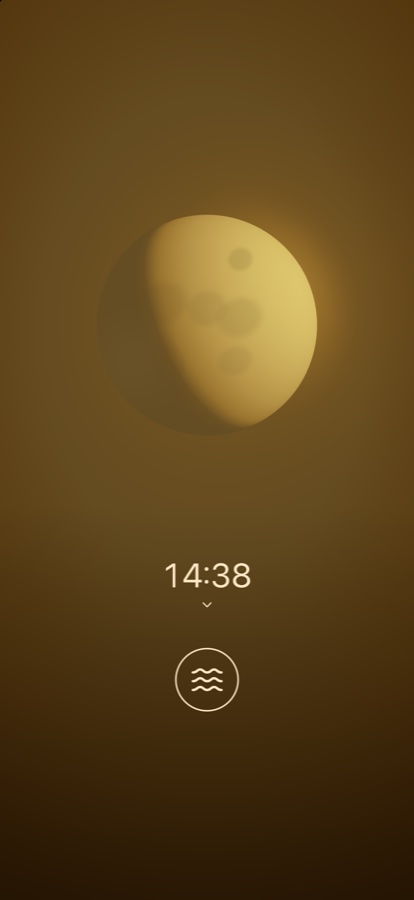
Slide up to brighten the screen or down to dim it. Your iPhone stays awake while WarmLight is active, and normal brightness control returns when you leave the app.
Choose Hush, Rain, Surf, or Crickets. Start with a 15-minute timer, choose another duration, or use continuous playback. The timer stops the sound; the light stays on.
The Apple Watch companion opens to a warm yellow screen. Turn the Digital Crown to adjust its intensity. Quick-access iPhone controls are supported on iOS 18 and later.
Sound plays only while the app is active; locking the screen or switching apps stops playback. Brightness and color depend on your display and system settings. WarmLight is a lamp, not a medical device.